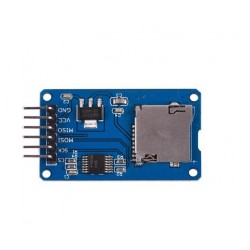
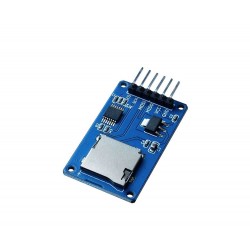
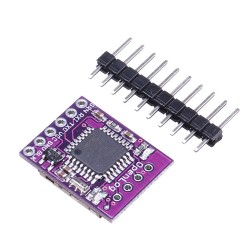
- Stock: In Stock
- Model: DATA-SLD
- Weight: 20.00g
- Dimensions: 13.00cm x 7.72cm x 2.00cm
specifications:
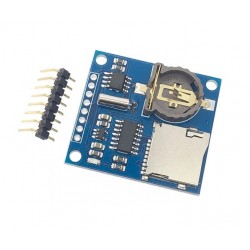
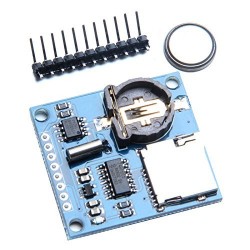
- SD card interface works with FAT16 or FAT32 cards. The 3.3V level shifter protects the SD card
- RTC (real time clock) keeps the time / date even if Arduino is disconnected. Has built-in battery.
- Prototype area, circuits or sensors
- 3.3V Constant Voltage Regulator, but also to start SD cards that need a lot of power to operate
- Works with Arduino UNO, Duemilanove, Diecimila, Leonardo or ADK / Mega R3 or later. ADK / Mega R2 and older are not compatible.
Instructions for use:
Install the shield on Arduino, taking care to insert all the pins well, pressing both pins together at the same time.
To use the RTC on the shield:
1. Connect the Arduino development board to your computer.
2. Download the RTClib library from the following address: https://github.com/adafruit/RTClib/archive/master.zip
3. Unzip the file in the Arduino libraries directory.
4. Start the Arduino IDE.
5. Download the RTC Example file at the bottom of the page, the Downloads section.
6. Choose the port for the Arduino Plate.
7. Load the code.
8. Open the Serial Monitor to view the time. Be sure to have a proper baud rate.
To use the SD card:
1. Insert an SD card with the FAT16 or FAT32 file system into the shield. If you do not have an SD card with one of these file systems, format the card in this format.
2. Start the Arduino IDE.
3. Download the Card Info file at the bottom of the page, download section and open it in the Arduino IDE.
4. Charge the code.
5. Open the Serial Monitor to view the contents of the SD card.